House of Flowers Suffolk — latest stories & guides
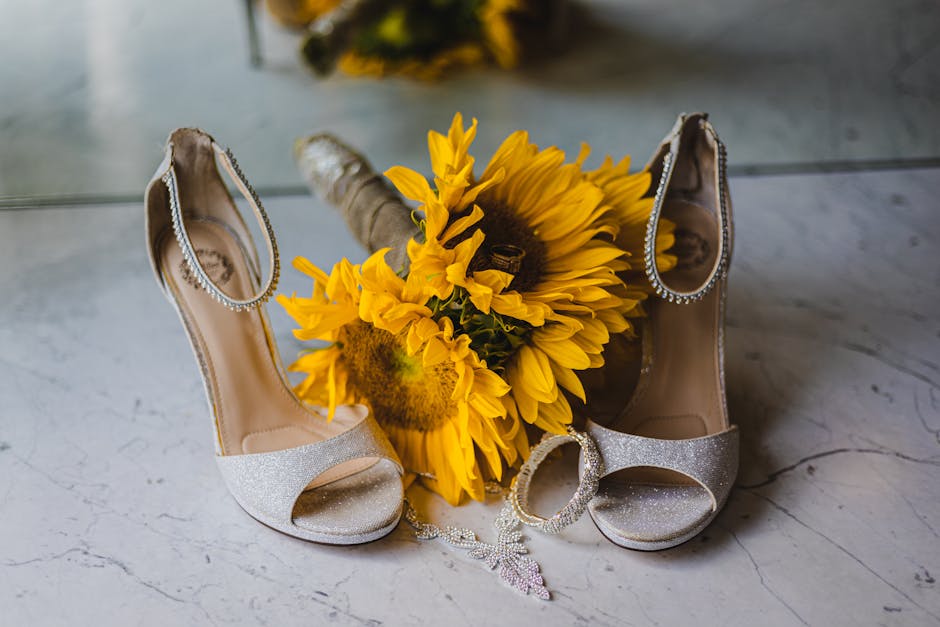
Wedding Flowers
How to Choose the Right Flowers for a Summer Wedding
Planning a summer wedding? Learn how to select flowers that thrive in warm weather and complement your venue perfectly.
Garden Design
Creating a Year-Round Flower Garden in Suffolk
Discover how to plan a beautiful flower garden that provides colour and interest throughout all four seasons in Suffolk.
Flower Meanings
The Language of Flowers: What Your Bouquet Says
Understand the traditional meanings behind different flowers and colours to send the perfect message with your gift.
Flower Care
Caring for Cut Flowers: Make Your Bouquet Last Longer
Simple techniques to keep your cut flower arrangements looking fresh and beautiful for up to two weeks.
Seasonal Guide
Seasonal Flower Availability and What's Best to Buy When
Learn what flowers are in season each month in the UK and when to buy them for best quality and value.
Arrangements
Flower Arrangements for Different Occasions: A Complete Guide
Discover the appropriate flower choices and arrangement styles for every occasion, from weddings to sympathy.